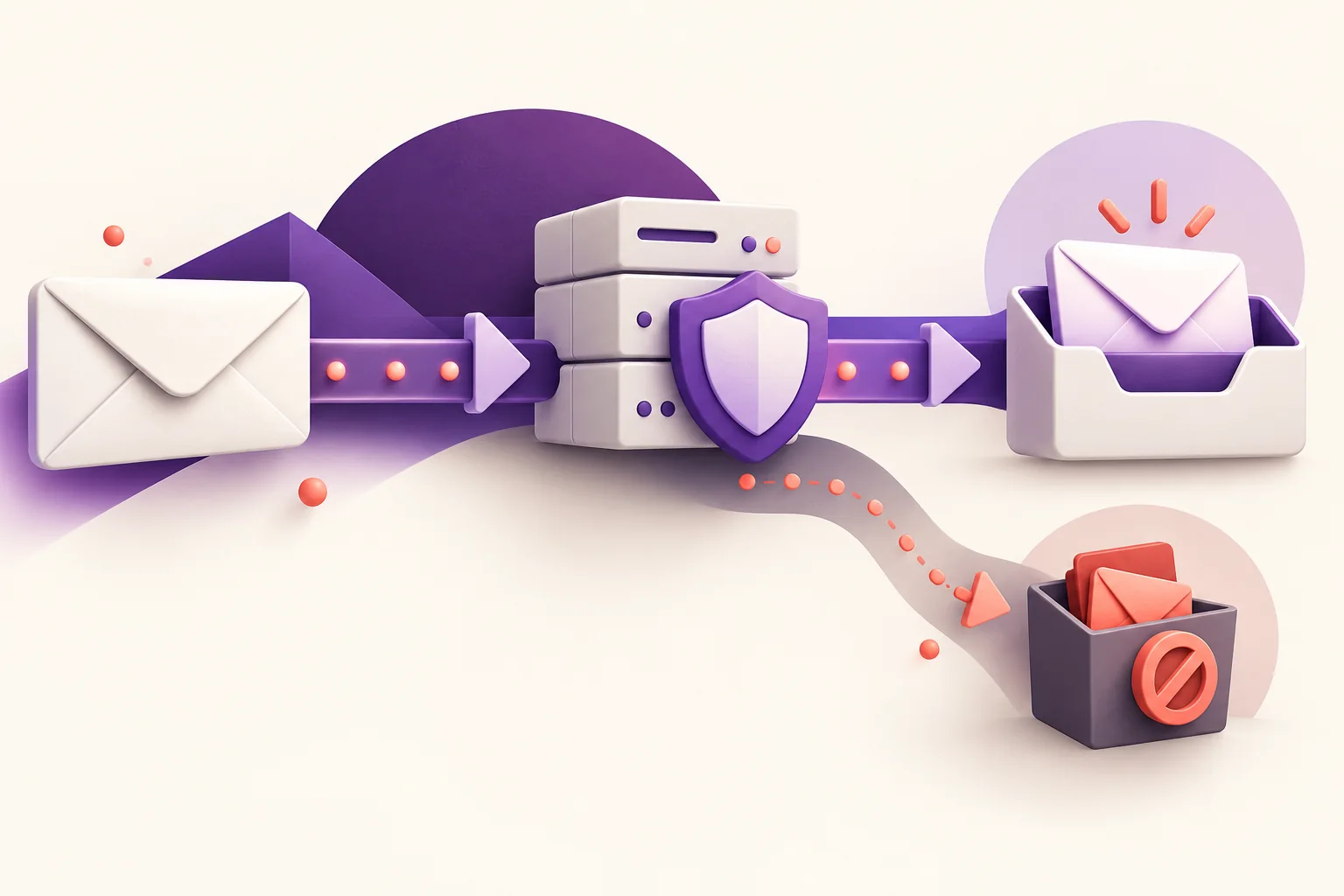
Start with the log for a real message and its rejection or deferral code, then check domain authentication, list sources and the final test. Do not switch platforms because of open-rate decline alone.
The technical requirements are based on current Gmail sender guidance and Mailchimp’s explanation of address verification versus sending-domain authentication. The diagnostic sequence is CROMBA’s practical framework and cannot guarantee inbox placement for every message.
Start by identifying the type of problem
Ask an affected subscriber for the email address and sending time, then look up that event in the platform log. Was the message rejected, deferred or accepted and later placed in spam? Preserve any error code, because “it did not arrive” combines cases that require different actions.
CROMBA recommends separating sending problems from display problems. If the message exists but is hard to read on mobile, review the template. Repeated rejection by one provider calls for checking the setup and its delivery logs.
Verify the sender’s identity
Gmail sets requirements for messages sent to personal Gmail accounts and distinguishes all senders from those sending more than 5,000 messages a day. Requirements include email authentication, with additional rules for bulk senders covering SPF, DKIM, DMARC and one-click unsubscribe for marketing and subscribed messages. These rules began in 2024 and are not a new update this week. [1]
In simple terms, SPF identifies permitted senders, DKIM verifies the message signature, and DMARC concerns domain alignment and handling authentication failures. Ask the technical owner to inspect a real message and use the DNS values supplied for your account by the sending platform. [1]
Mailchimp explains that verifying access to an email address is different from authenticating the sending domain. A confirmation message alone does not prove that the delivery setup is complete. [2]
Review list sources and subscriber expectations
Ask how each address entered the list and what content the owner agreed to receive. Do not treat a customer who bought a service as if they had selected a weekly newsletter; mismatched expectations can contribute to weak engagement and complaints.
Review invalid addresses and recurring bounces and make sure unsubscribe works. For separate Arabic and Turkish lists, make language choice clear at sign-up and verify that each subscriber receives the requested version. These operating practices reduce unsuitable sending; they do not guarantee inbox placement.
Test the final, production-ready message
Send the final version to test addresses at the providers your audience uses. Review the sender name, subject, links and Arabic direction on mobile. Test confirmation and welcome emails too: the newsletter may work while the subscription entry point is broken.
Change one factor at a time and record it. Changing the template, domain and platform together makes the cause of any improvement harder to identify and may carry the same faulty setup into the new service.
Before approval, use the content approval and publishing workflow to define who reviews the template, links and confirmation emails and who authorizes sending.
Choose indicators that support a decision
Monitor rejection, deferral and complaints, and segment results by mailbox provider where the platform permits. Then track link clicks and meaningful actions on the website. Our guide to measuring the path from a visit to a lead in GA4 can help connect interaction with what happens after the click. Do not rely on opens alone: Google says it does not track open rates or verify third-party figures, and low opens are not necessarily an accurate indicator of deliverability. [1]
Changing platform becomes a rational decision when you identify a requirement the current service cannot meet, such as inadequate logs or an unsupported integration. To set priorities, discuss the sign-up and sending path with CROMBA before starting a full migration.
Frequently asked questions
Does domain authentication guarantee delivery?
No. Authentication is part of the setup; list quality, sender reputation, message content, recipient behaviour and other technical factors also matter.
Should I change platforms as soon as the open rate drops?
No. Start with delivery logs, bounces, complaints and tests. Lower opens alone do not prove that the platform is the cause.
What is the difference between acceptance and inbox placement?
Acceptance means the recipient server received the message technically; it does not prove the message appeared in the inbox rather than spam or another tab.
Sources and editorial review
Original sources used in this article. Last editorial review: 21 October 2026.
- Google — Email sender guidelines for GmailCurrent guidance; no comprehensive update date shown. Reviewed 21 October 2026.
- Mailchimp — About Email Domain AuthenticationHelp article; no publication date shown. Reviewed 21 October 2026.