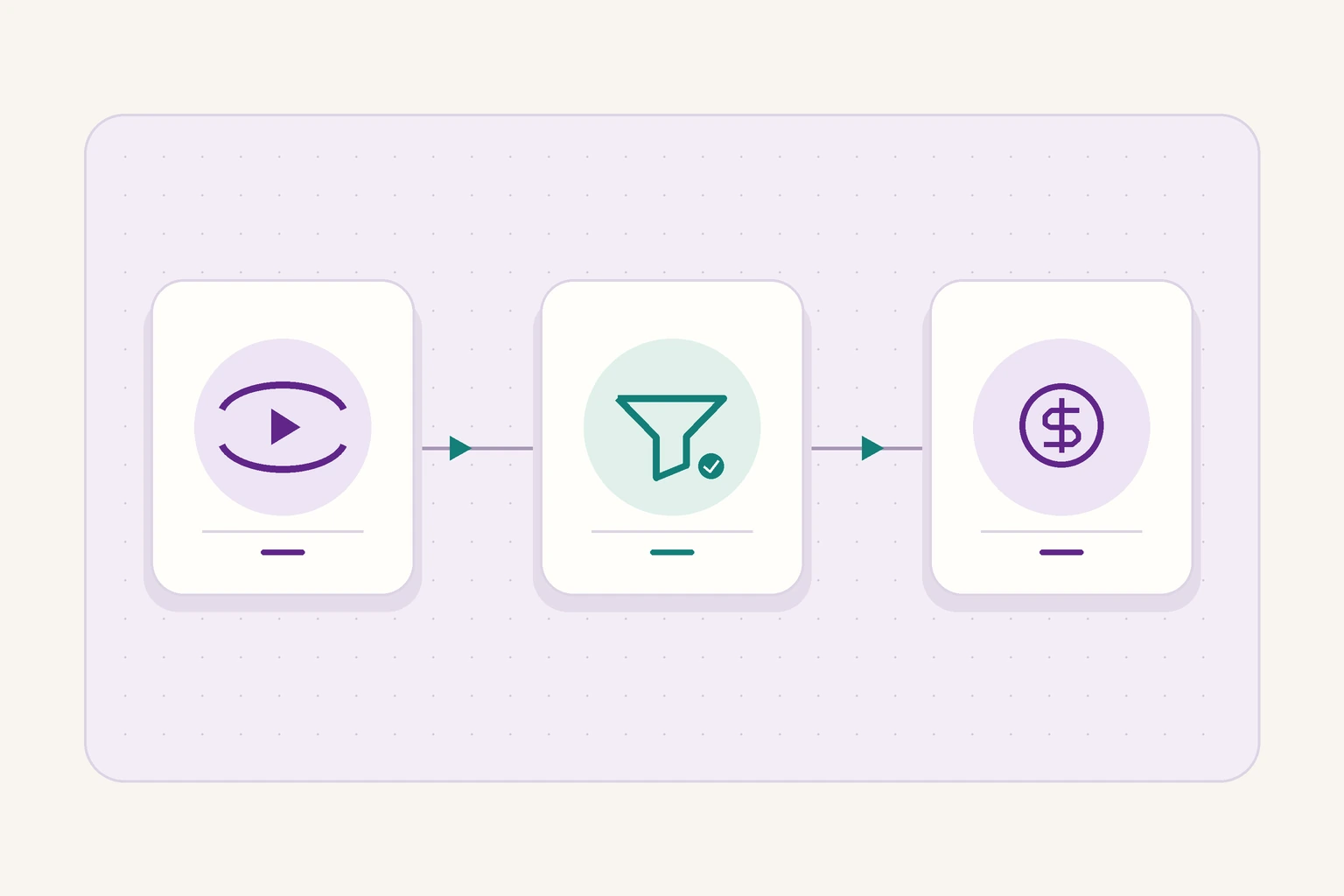
Separate total views from Qualified Views and Earnings Rate. Make sure the comparison is fair before changing your production plan.
Before concluding that your content is no longer profitable, ask: are you comparing the right metrics?
Total views tell you something about how widely your content is watched, but they don’t explain earnings on their own. Start by separating total views, views that may qualify for monetization, and the earnings rate associated with those qualified views.
This guide is for accounts participating in the monetization program that can see these metrics. It does not imply that every account is eligible or promise a fixed return.
Three metrics that tell you different things
Meta defines Qualified Views as views that may be eligible to earn money, and Earnings Rate as the approximate earnings per 1,000 qualified views. It also provides a breakdown of non-qualified views and why they didn’t qualify.
When preparing a performance report, use each metric to answer a different question:
| Metric | What it helps you answer |
|---|---|
| Total views | How much was the content watched? |
| Qualified views | How many views might count toward monetization? |
| Earnings rate | What were the approximate earnings per 1,000 qualified views? |
| Reasons views didn’t qualify | How does the platform explain why certain views were excluded? |
Mixing up these questions can make a report misleading even when the figures are accurate.
Why aren’t more total views enough?
Because an increase in total views doesn’t tell you what happened to qualified views or the earnings rate.
A hypothetical example to illustrate the math, not actual Facebook rates or client results:
If one piece of content records 100,000 qualified views at an approximate rate of $1 per 1,000, the calculation gives $100. If another records 150,000 qualified views at $0.50 per 1,000, the calculation gives $75.
The second piece recorded more qualified views but generated less revenue in this example. The calculation illustrates how the two metrics relate; it isn’t a formula guaranteed to match the account’s final payout.
Start by checking the comparison itself
Before interpreting a change, we recommend setting a consistent basis for comparison:
- Use the same date range for views and earnings.
- Compare content at similar points after publication.
- Separate content formats instead of combining them into one figure.
- Check that the reporting scope matches: one piece of content, one page, or a group of accounts.
- Record when the figures were pulled and whether they were still provisional, especially if they were estimates.
Then check how you added up the figures. Did you add a page total to earnings from individual pieces already included in it? Did you mix a full month of data with a week? Did you compare newly published content with pieces that had more time to accumulate results?
Those are reporting errors. Changing the edit or publishing more often won’t fix them.
For more on making fair comparisons, see How to calculate engagement rate: Is your account underperforming, or is the comparison unfair?.
Don’t guess why views didn’t qualify
Start with the reasons shown in your account. Copy the platform’s description as written, identify the affected content, and separate three things:
What we know: A figure or notice displayed in the account dashboard.
What we suspect: An explanation that needs testing or more information.
What we’ll do: A specific verification step, with someone responsible and a date to review the result.
A drop in earnings alone doesn’t mean “the account has been penalized,” “the audience is a poor fit,” or “every video needs to be longer.” The figures help you decide what to ask next, but they don’t establish which explanation is right.
If no clear reason appears, record that plainly. Acknowledging missing data is more accurate than filling the gap with a definitive explanation.
Turn the report into a small production test
Once the figures are in order, pick one question your team can work on.
Does the opening make it clear why the video is worth watching? Does the title promise something the content doesn’t deliver? Is the cost of producing this format appropriate for its goal?
We recommend testing a group of comparable pieces, changing one element where possible, and deciding what you’ll review before you start. Don’t take every subsequent increase as proof that the change worked. Other factors may have changed at the same time.
Most importantly, don’t judge each piece of content solely on direct earnings. Its job might be to reach a new audience, demonstrate the organization’s expertise, or support a paid service. Define the goal upfront so you don’t change the yardstick once the results come in.
When does it make sense to scale up production?
It’s not enough to know that a piece of content was among the top earners. Ask what it cost to achieve that result.
Account for time spent researching, writing, filming, editing, and reviewing. Then consider whether the team can repeat that level of quality and what direct return or business value you can document.
Improving an existing series may make more sense than doubling the number of videos. You may need to redistribute the work rather than buy new equipment.
Also read: When does a creator become a business? Decisions about teams, production, and investment.
The takeaway: Understand the difference before changing the plan
When views rise but earnings don’t follow, don’t start by overhauling your content.
Check your comparison, separate the metrics, review any available reasons why views didn’t qualify, and turn what you know into a small test with results you can evaluate.
At CROMBA, we connect performance analysis to editorial and production decisions. Talk to us about building a regular review that shows what to keep doing, what to test next, and where there isn’t enough data to make a call.
Sources and editorial review
Original sources used in this article. Last editorial review: 18 November 2026.
- Meta’s official explanation of the monetization metricswas published on March 18, 2026. A November 13 update concerns the version of Creator Fast Track for U.S. college students. The metrics described in March were not a new November launch.