Choose a recurring task in your profession, then use Google’s guide to improve your task description, context, references and output format. Compare the results and keep the approach that reduces revisions and improves the work.
What is missing from a generic request?
Sometimes the problem is the information the tool received. You know your audience, your work and what a good result looks like, but your request did not explain all of that.
Google’s Prompting Guide 101 offers guidance and examples organized by professional role. It becomes more useful when you connect those examples to a real task in your own field.
Start with a recurring task
Before reading dozens of examples, choose one task you want to improve.
It could be writing a service proposal, summarizing a meeting, preparing a designer brief or turning a long report into posts. A specific task makes it easier to judge whether the guide has improved the result.
The official Google guide includes examples for marketing, sales, customer service, project management and other roles. Google presents these as starting points to adapt to the work you need to do.
If your profession is not listed, look for a similar task. An executive summary can serve a project manager, researcher or communications professional, even when their subject matter differs.
Understand the example before using it
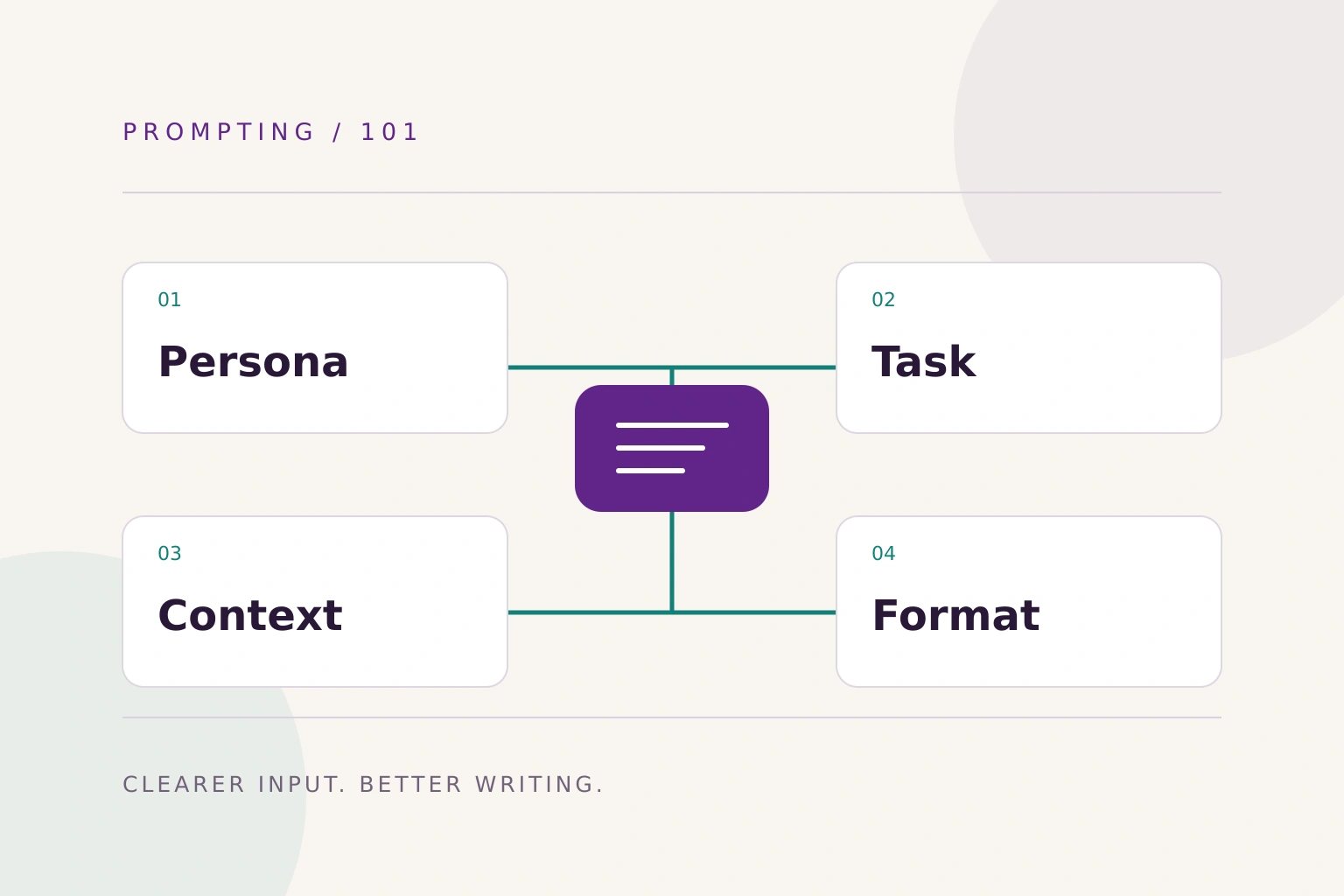
Google suggests four elements to consider: persona, task, context and format. Every prompt does not need all four. [2]
Turn them into simple questions:
| Element | Question |
|---|---|
| Persona | Which perspective should guide the work? |
| Task | What exactly needs to be done? |
| Context | What information is needed? |
| Format | How should the result be delivered? |
Writing “act as a marketing expert” establishes a perspective but leaves most of the task open. What is the product? Who is the audience? Which decision should the content help them make?
Each answer leaves less room for guessing.
Adapt the request to your profession
Suppose you market professional training. You might start with:
Write a post promoting our course.
Add what you know about the course and its audience:
Help me write a post for a recorded project management course aimed at Arab employees who want to move into a management role. Use the attached course description and focus on applying the skills at work. Suggest three openings, then write a 150-word post in accessible Modern Standard Arabic. Do not add qualifications or employment outcomes absent from the description.
The request now defines an audience, a source, an angle, a length and information boundaries.
The following are CROMBA editorial examples, not quotations from Google’s guide:
- For a researcher: “Turn the attached notes into an article outline that distinguishes facts from conclusions. Flag every claim that needs a source.”
- For a project manager: “Extract decisions, tasks, owners and deadlines from these meeting notes. Write ‘not specified’ where the information is missing.”
- For customer service: “Draft a reply to the attached complaint using only our returns policy. Identify anything that requires a manager’s decision.”
Each describes the work, the available information and the boundaries for the answer.
Give the tool a reference from your work
If you want writing that resembles your organization’s style, attach an approved sample and explain what to follow: sentence length, use of evidence, terminology and level of formality.
For a service-related task, provide the approved service description and real customer questions. “Write in our style” needs examples to make that style understandable.
Google recommends using relevant files to add context in Workspace and reviewing outputs before using them. File access and features depend on the tool and account settings. [1]
Make feedback specific too
When the draft arrives, identify the problem:
The introduction is generic. Start with the customer’s question about service costs and answer using the attached proposal.
Or:
This paragraph contains a promise we have not made. Rewrite it to describe only what the service includes.
You can also split the work into an outline, a draft and a review. That makes errors easier to catch before they spread through a complete text.
Check whether the work has actually improved
Try your original and revised prompts on the same task, then compare three things:
- Is the information more accurate and closer to the sources?
- Does the text suit the audience and intended use?
- How many revisions did it need before it was usable?
A longer draft may save no time. The useful measures are how much easier the work became and the quality of the result after your review.
When an approach works for a recurring task, save it with an example of an acceptable result. Update it as the requirements change.
Google’s guide provides a structured starting point. Your knowledge of the audience, sources and quality standards makes it useful in your profession. Start with one task this week, use the guide to improve your request and judge the difference through the work you complete.
Sources and editorial review
Original sources used in this article. Last editorial review: 21 October 2026.
- Google Workspace — Prompting Guide 101: Writing effective promptsPractical guide; no specific publication or update date is displayed. Reviewed 21 October 2026.
- Google — 5 ways to write better AI prompts for Gemini in the Workspace side panelSupporting official guidance; reviewed 21 October 2026.